

Picsart Devil Concept Manipulation | Devil’s Wing
Myself Zafar Iqbal and Today I am going to helps you with How to Edit PicsArt Devil vs Angel Concept Manipulation photo editing with the helps of PicsArt editing application. As I am also sharing some of the tips picsart background based on my 5 Years of experience in editing using PicsArt. This editing includes you with a Classic wallpaper and Some PNG such as Create How to PicsArt Devil vs Angel Concept Manipulation and photo editing png. Which give the editing an elegant feel and looks good, which you can use it for the post on Instagram or any other social media.
PicsArt Devil’s Wing Photo Editing
We bring one of the highest request video picsart manipulation background content material from our Instagram. Yes, initially, we posted our image on Instagram to gather responses from viewers. Where if the viewer request for video and editing material picsart background, Then we publish the video alongside stock material. So, Then they can edit the image similar to mine.
Noteworthy: We posted multiple images that seem we can’t ensure to publish the tutorial and video. This is why we always make a video tutorial and distribute the article on editing stock. Today people likely to request for this Instagram post placed down below in Quick preview.
You can watch this tutorial on Our Youtube Channel ?
This tutorial is free but all you need to do is just support us So that we can bring more and more helpful tutorial for you.
To support us, you need to Subscribe us and press bell notification icon (if you are new)
Give a like to our video and most important share our video on your social media like Facebook, Whatsapp or Instagram. Thank you
Quick Preview: “Instagram Post” Preview.
How to make Devil’s Wing photo editing on Mobile.
Starting with downloading all stock material on your device, Download Software link mentions below with an individual image preview. You can also download picsart background multiple images bundled in the Zip file.
- Erase Background As always you have to erase background using PicsArt draw tool placed. You can also use the dedicated or separated Background Eraser apps, and You can find the apps on the Google Play Store.
- Background Placement Use the background with your choice of creative PicsArt Editing and then placed the background behind the layer of your model. It is one of the most important parts because it was going to cover your entire image and gives more vibes to your images.
- Arrange the PNG You have to place all the PNG used in the How to edit Picsart Devil’s Wing Concept Manipulation photo editing image, kindly placed and Save the image.
- Adjustment of PNG, Lastly, you have to adjust the brightness, Exposure, Color, Temperature, among others. You can also use the Adobe Lightroom Software or any application that your life but your editing should look good.
- Lastly, Save the Setting and export the image in your device.
Pro Tip: You should always use the Export tool instead of saving to save image in High Quality.
How to Download PicsArt Devil’s Wing Background ?
1. Click the below Download button.
2. Now the files are automatic downloading.
3. Now you can see the automatically Download a notification on your Notification Bar.


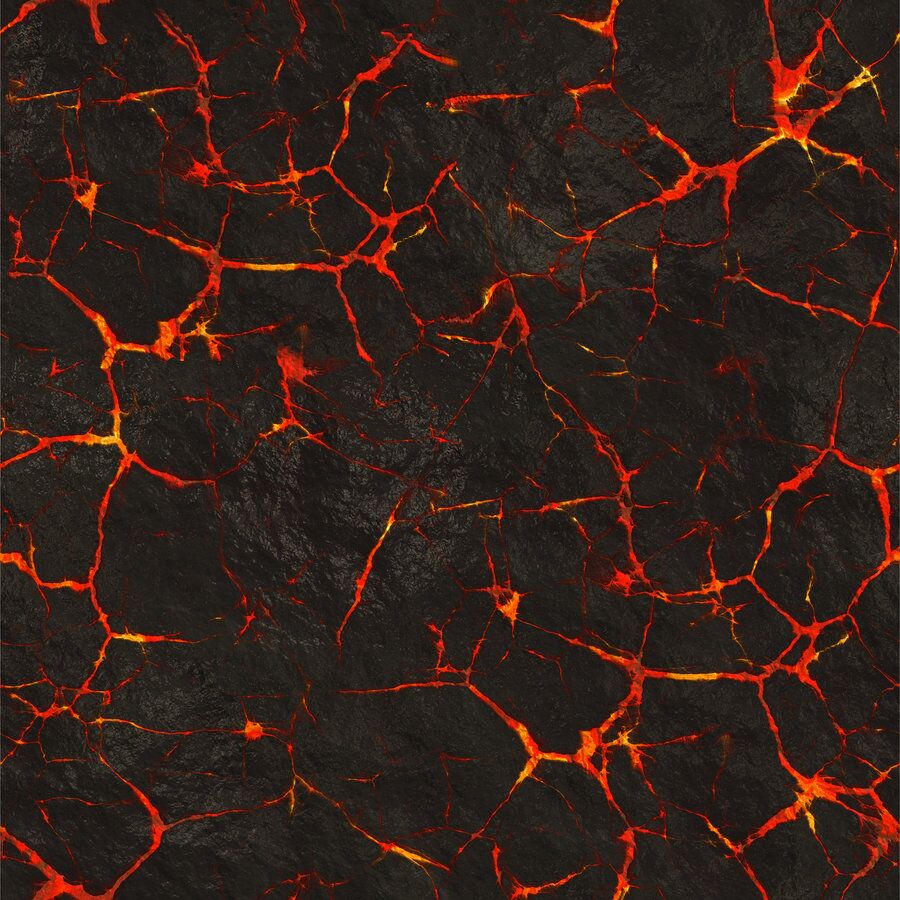
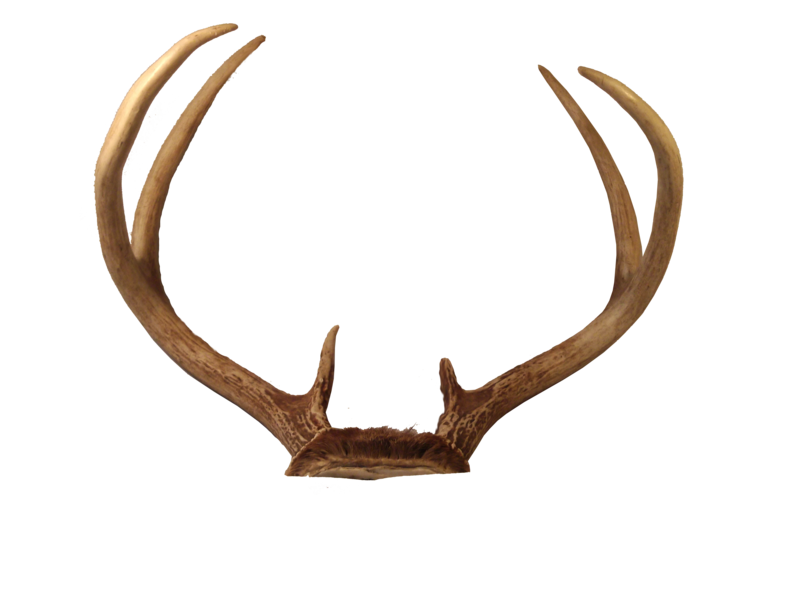


Suggestion : But We don’t suggest you download the image from the website preview section, As some use Right-Click or Press & Hold and choose “Save Picture as” on their smartphone. Moreover, it is no perfect method to download because those previews were highly compression during processing to make it suitable for fast loading. If you have been download from using “Save Picture” method, then you might face an issue of Pixelisation.
Hopefully, You love this article, and We believe you have successfully edited your image. Thanks for being with us. We like to know about your experience. If any Query, Share with us your valuable opinion and feedback in the comment section down below
This is a great tutorial! I’m looking forward to trying out some of the techniques.
This is a great tutorial! I’m looking forward to trying out some of the techniques.
This is a great tutorial! I’m looking forward to trying out some of the techniques.
This is a great tutorial! I’m looking forward to trying out some of the techniques.
This is a great tutorial! I’m looking forward to trying out some of the techniques.
This is a great tutorial! I’m looking forward to trying out some of the techniques.
This is a great tutorial! I’m looking forward to trying out some of the techniques.
This is a great tutorial! I’m looking forward to trying out some of the techniques.
Wow, this Picsart Devil concept photo editing tutorial is amazing! I’ve never seen anything like it before. The effects are so cool and creepy, it’s like something straight out of a horror movie. I can’t wait to try it out on my own photos. Thanks for sharing this Xafar Studio, you’ve got some serious mad skills! 😱👻
Wow, this post is incredible! I’ve always been obsessed with inanimate objects and turning them into something creepy and ominous. The devil concept photo editing in PICSART is so well done, it’s give me so many ideas for my own projects now 😍 I’m definitely going to try replicating some of these edits and see what I can come up with! Thanks for sharing!
Wow, this Picsart Devil concept for photo editing is incredible! The ideas Xafar Studio has shared are truly mind-blowing and have given me so much inspiration for my own editing projects. I can’t wait to try out some of these techniques and see the results for myself. Thanks for sharing!
Woah, this PicsArt Devil Concept photo editing tutorial is insane! I can’t believe how detailed and convincing the effects are. It’s like magic! I’m definitely going to try this out and see what I can create. Thanks for sharing, Xafar Studio! 😍
Wow, this post really highlights the creativity that PicsArt allows! The devil concept is so unique and the tips you provided for editing are super helpful. Can’t wait to try out these techniques in my own designs! Thanks for sharing!
This post on PicsArt devil concept photo editing is incredibly inspiring! I love the creative techniques shared, and the examples are stunning. I can’t wait to try these ideas in my own edits. Thanks for the detailed tips!
This is such an impressive tutorial! The way you explained the devil concept editing in PicsArt really makes it accessible for beginners. I can’t wait to try out these techniques myself and see how they turn out. Keep up the great work, Xafar Studio!